Seed
A seed is a whole number that fixes the random noise an image model starts from, so the same seed with the same prompt and settings can draw the same picture again. A new seed gives a different starting point, and therefore a different variation.
Last updated November 8, 2026
How it works
A diffusion model builds a picture out of random static, and a computer cannot produce truly random numbers from nothing: it uses a generator that starts from a number. That number is the seed. Feed in 81726354 twice and the generator produces the same static twice. Since the rest of the process is a series of fixed calculations, the final image comes out the same, which turns a lottery into something you can repeat, share and compare.
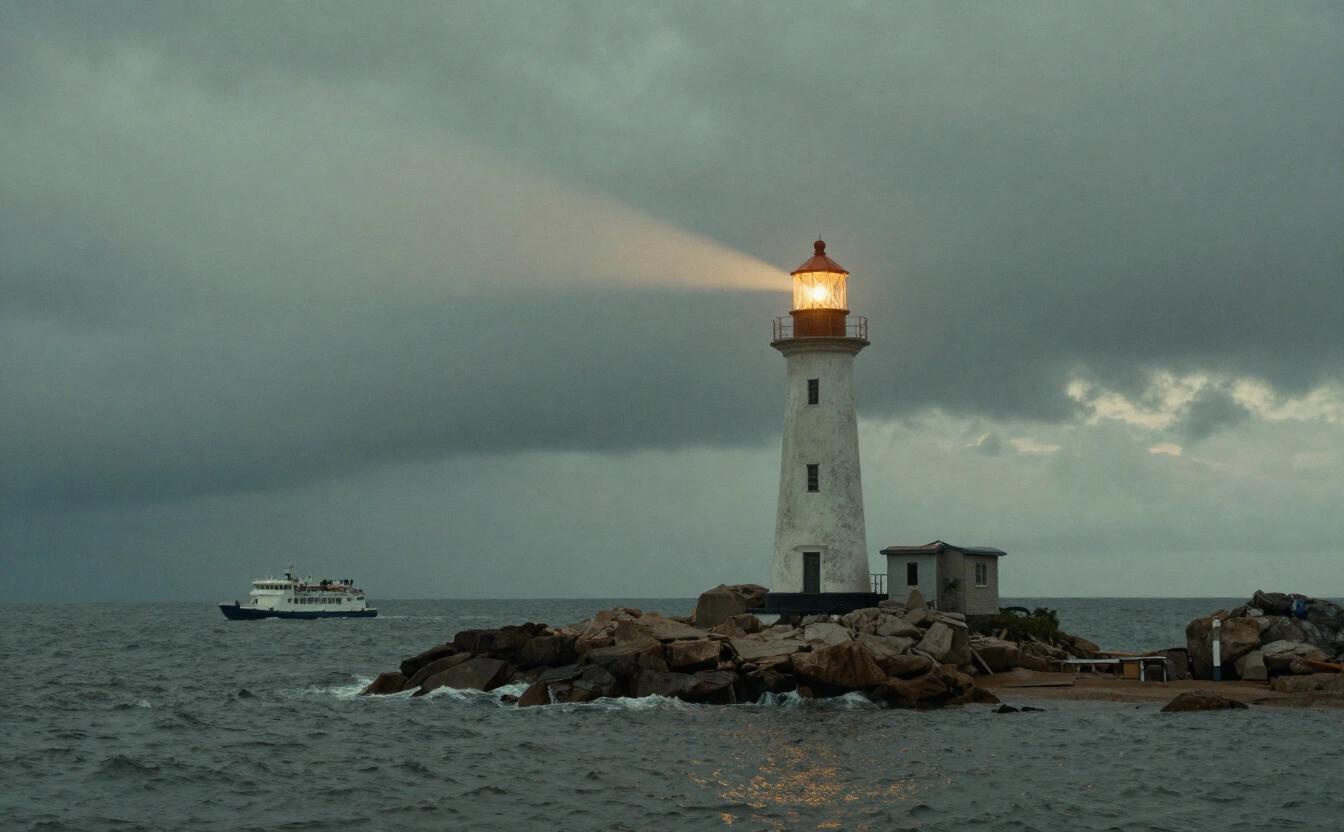
This is useful in three ways. First, you can keep a composition you like and change only the wording: when a lighthouse at dawn has the right framing, try a different color for the sky with the same seed and the layout largely survives. Second, you can run a fair test: change one setting at a time, such as the guidance scale or the number of steps, and the differences come from that setting rather than from luck. Third, you can record the seed of a good result, so a colleague or your future self can reproduce it.
Know the limits. A seed only reproduces a picture when everything else is identical: the same model and version, the same prompt, size, steps and sampler. Change a single word and the picture can shift a great deal, because small prompt changes steer the noise differently. Some servers also use hardware or parallel calculations that cause tiny differences, so an exact copy is likely but not guaranteed across different services. And a seed is not a quality score: seed 7 is not better than seed 8, it is simply another starting point.
A practical workflow shows the value. Suppose you are preparing a poster for a bakery: generate eight drafts, pick the loaf photograph whose crust and lighting you like, and write down its seed. Now vary only the backdrop, from a rustic wooden table to a marble counter, while the seed stays fixed. Because the starting noise is shared, the bread itself keeps a similar shape and position, so the comparison is honest and the client can choose between clean alternatives. Without a recorded seed, every new attempt would be a fresh throw of the dice, and a promising composition could be lost for good.
Finally, remember that sharing a seed is a courtesy to collaborators: a designer, an editor and a client can all discuss the same draft by number, instead of swapping screenshots and guessing which wording produced which look.
In NeverNo
NeverNo's image generation API returns a seed with each image it sends back, next to the image itself, so you can note which starting point produced a result you liked. Z-Image Turbo, the default model of the Studio, makes a typical 1-megapixel image in about 3 seconds, measured on Runware, our image provider, which makes it cheap to try several variants of a prompt and compare them.
When you ask the Studio's chat for a change to a picture, the request rewrites that picture's own prompt and keeps the rest of the wording, so that the same seed can draw nearly the same picture with your change. The Studio does not show a seed field you fill in by hand. Your generated images are stored encrypted in your browser, and NeverNo's hard limits are checked on every request whatever the seed.
Worth remembering
The seed is the number that decides the starting noise of an image.
Same seed, model, prompt and settings: normally the same picture; change any of them and it can differ.
Keep the seed fixed to test one change at a time, and change it to explore variations.
No seed is better than another; it is a starting point, not a quality setting.
Frequently asked questions
Why do I get a different image each time I use the same prompt?
Because each attempt usually receives a new random seed, and therefore a new starting noise. Reuse the seed together with the same model and settings to get the same picture again.
Does the same seed work on another model?
Not in a useful way. Each model has its own training and its own way of turning noise into pictures, so the same number gives an unrelated result on a different model.
Can I choose the seed in NeverNo?
The API gives you the seed of every image it returns, and the Studio keeps the same seed when you ask the chat for a change. The Studio has no seed field to fill in by hand at this time.
Ask your first question
No account and no card. Write in any of the 10 languages NeverNo speaks.
Open the chat