Qwen Image 2.1 Turbo
Alibaba's quick Qwen image model, tagged for text and speed: about eight seconds a picture, paid in credits, moderated by its maker's own rules.
Updated November 9, 2026
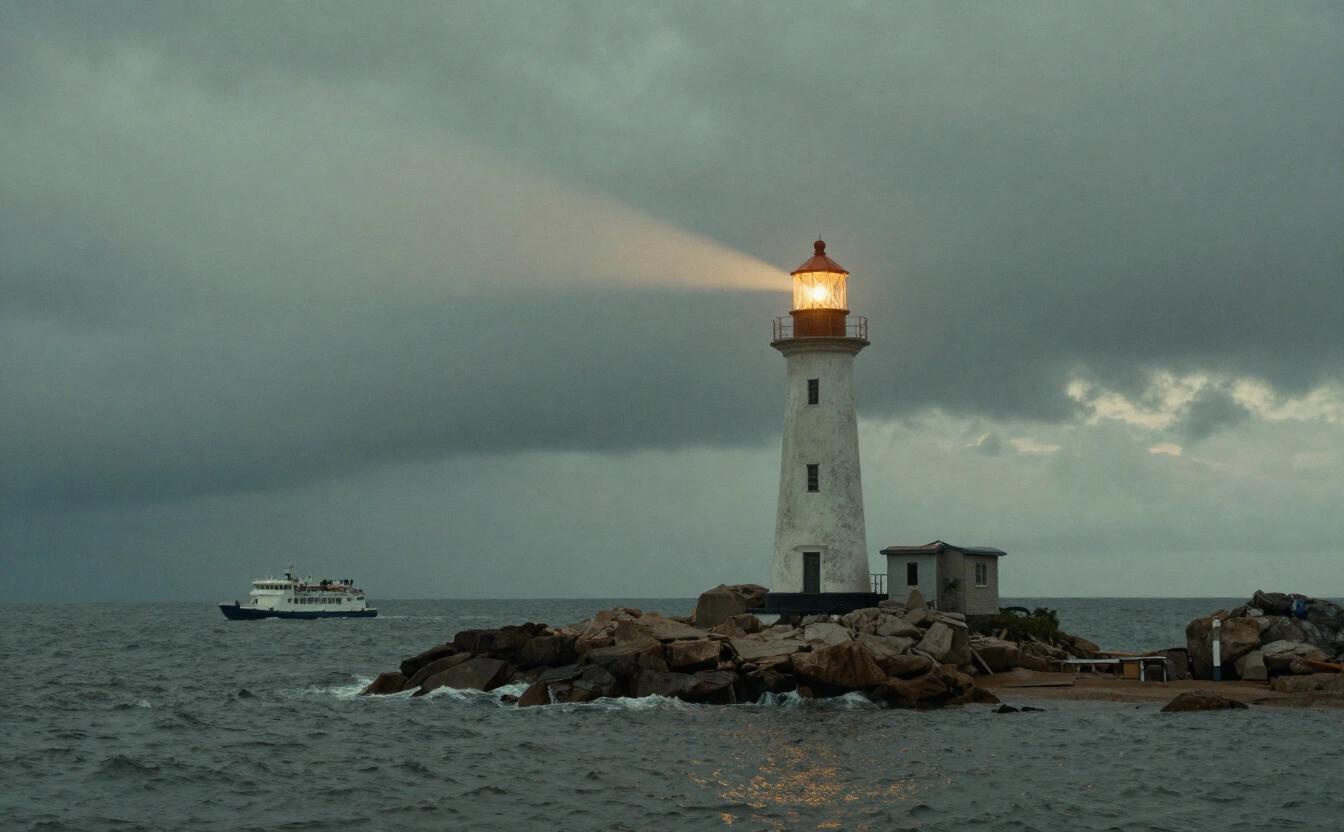
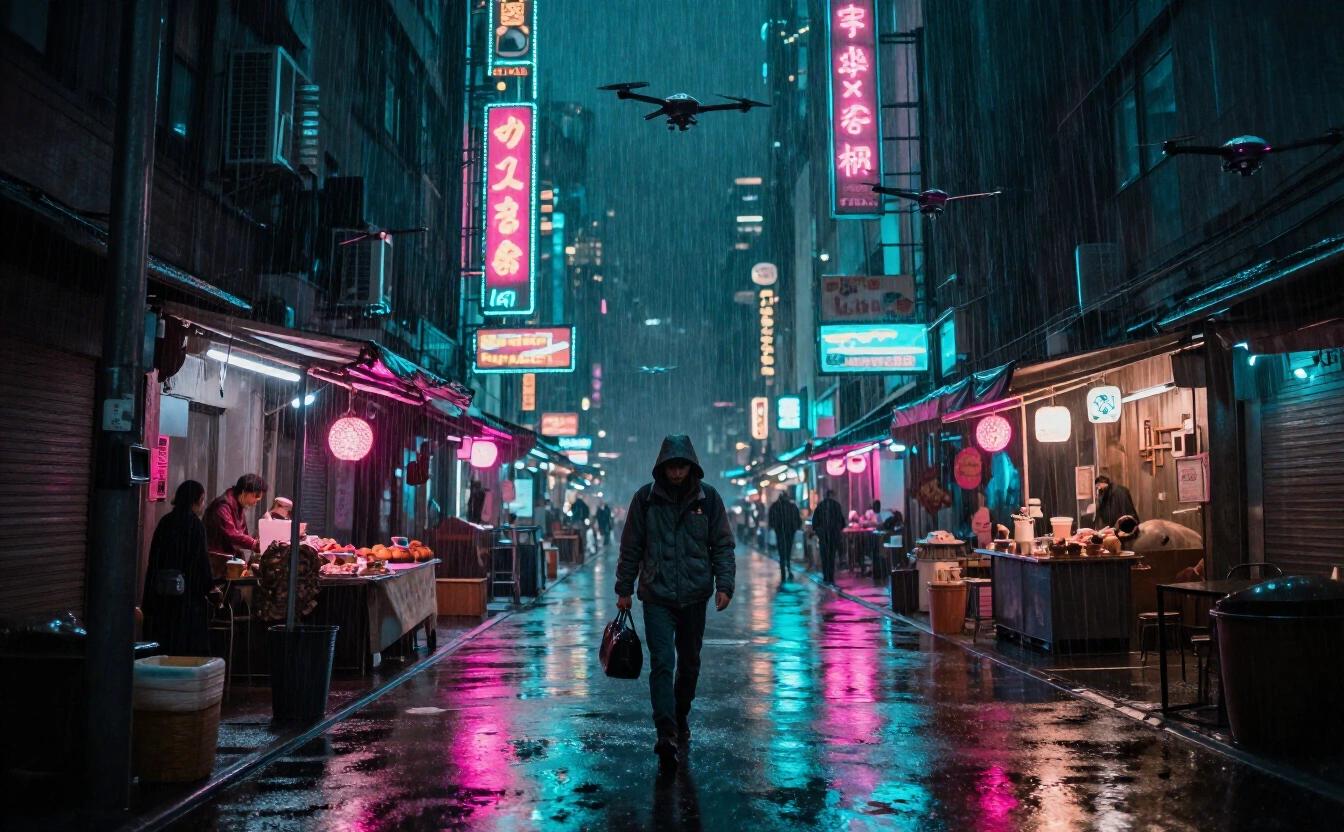
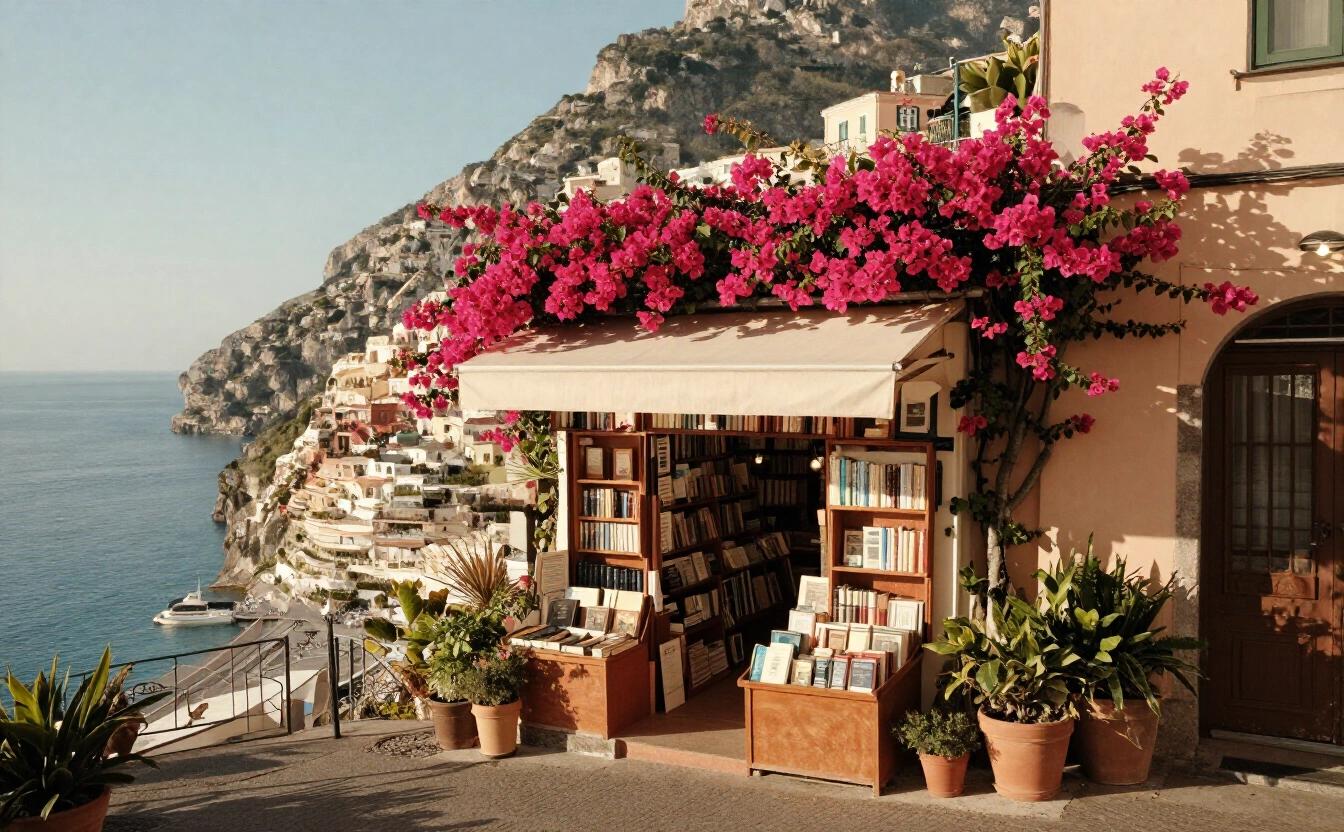
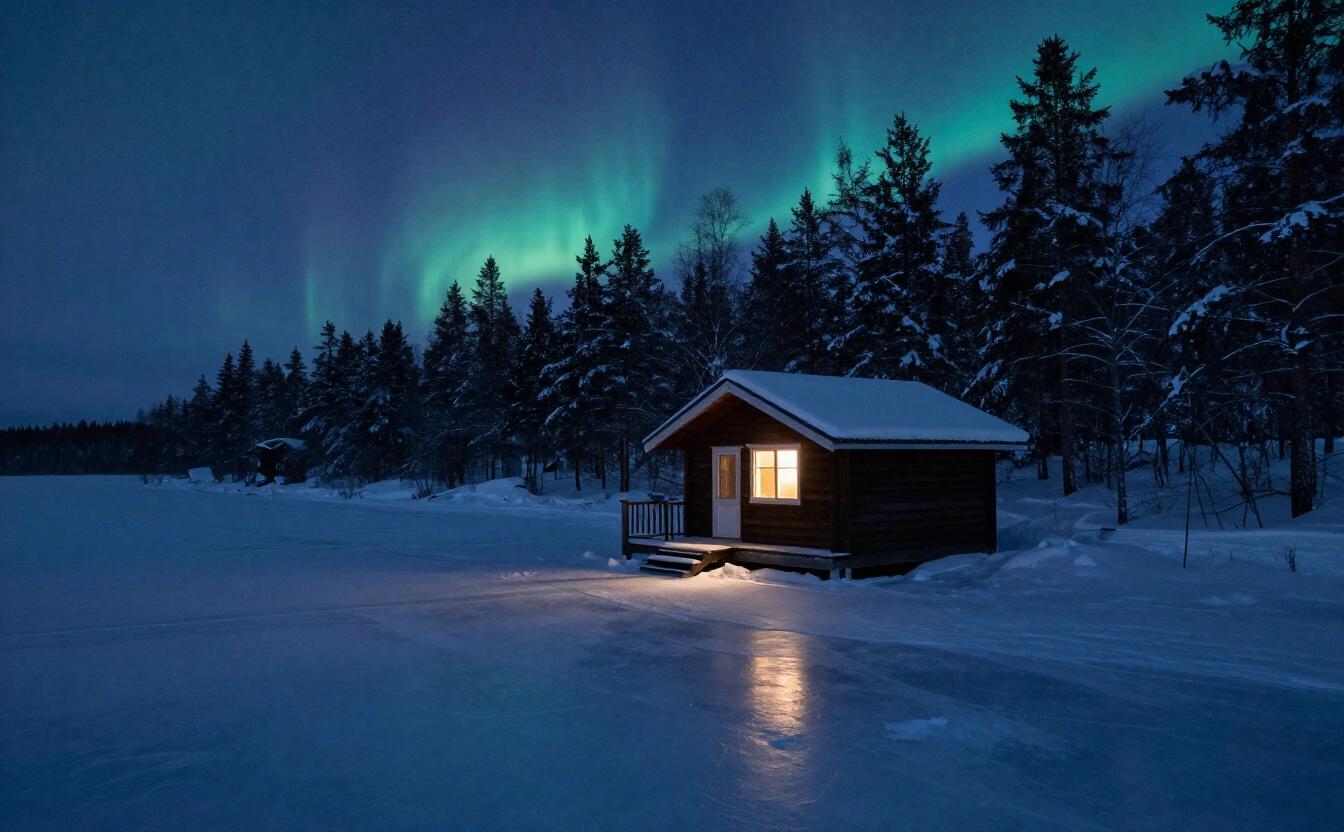
At a glance
| Maker | Alibaba |
|---|---|
| Strengths in the app | Text in images, Fast |
| Arena Elo (Artificial Analysis) | 1,027 |
| Typical wait | about 8 s |
| Who can use it | Paid plans |
| How it’s paid | Credits, from the first use |
| Privacy | Private: an open model run by NeverNo on providers chosen because they don’t keep requests. Your history stays encrypted in your browser. |
Price
What the app charges, read from the same table the servers bill with. 1 credit = $0.01.
| Image | 4 credits ($0.04) |
|---|
What it is
Qwen Image 2.1 Turbo is the fast image model of Alibaba's Qwen family. The Studio tags it text and fast: it is built to put readable words into a picture without making you wait. A typical 1-megapixel image takes about 8 seconds, measured on Runware, our image provider. It is part of the paid plans and is paid in credits, per image. Rounds are cheap in time but not free in credits, so keep a notebook: write down the exact quoted words, the proportion and the style preset that produced a clean headline, then reuse that recipe for the whole campaign. Typical uses include announcement banners, quote cards, event posters, menu boards and presentation covers, anywhere a few legible words matter and a rapid answer keeps the work moving between meetings. Alibaba's maker rules apply to every prompt, so phrase requests plainly, and keep a calm, ordinary tone: product posters, greetings and signage pass without trouble.
On the Artificial Analysis text-to-image arena, read on November 8, 2026, it has an Elo of 1027. That puts it just below FLUX 3 Klein (1043), the included model most like it, and above Z-Image Turbo (936) and Z-Image (950). Its bigger sibling Qwen Image 3.0 Pro reaches 1095, but needs about 56 seconds. If you want Qwen's reading of a text-heavy prompt but not the long wait, this is the one.
Be clear about the privacy. Qwen models are moderated by their maker's rules, and a request goes through that filter. We do not call them anonymized, and we do not claim a private setup for them. The Studio can fall back to an included image model for a request the maker declines. Your finished images are stored in your browser, not on our servers.
It works with every Studio setting: a description of up to 1,500 characters, fifteen style presets, eight aspect ratios and up to four variants per request. Because it is paid per image, asking for four variants multiplies the cost; draft with an included model first when you are only exploring. Treat it as a specialist rather than a default. If your picture has no words in it, an included model will usually do the job at no credit cost. If it carries a headline, a price tag or a slogan, a second text-capable model is a cheap insurance: when one lab misspells or crowds a word, the other often gets it right, and trying both takes under twenty seconds in total because each answers quickly.
Strengths
Tagged for text, so titles, signs and labels in the picture are a strength.
About 8 seconds for a typical 1-megapixel image (measured on Runware).
An arena Elo of 1027 (Artificial Analysis, read November 8, 2026), above both Z-Image models.
A good middle step between the included models and the 56-second Qwen Image 3.0 Pro.
Limits
Paid in credits and reserved for paid plans; it is not part of the Free plan.
Moderated by its maker's rules: some requests are declined, and Qwen models are not anonymized access.
Its Elo of 1027 is under FLUX 3 Klein (1043), which is included in every plan and also tagged for text.
Each variant is billed separately, so four variants cost four times one.
When to choose it
Posters and covers with short titles
A poster headline, a magazine cover, a conference slide with a title in the image. Put the exact words in quotes and let Qwen place them. Keep each phrase short for the cleanest result.
Social visuals on a deadline
Product announcements, quote cards, event banners and thumbnails where speed matters as much as wording. At about eight seconds, a set of variants is back before a meeting ends.
A Qwen check before the Pro render
Test the layout and wording of a text-heavy picture here, then send the finished description to Qwen Image 3.0 Pro for the final version. You avoid waiting nearly a minute on every unfinished idea.
Prompt tips
Put every word that must appear in quotation marks, and say where it sits: "a banner across the top reading 'Summer Market'". Keep each text to a few words.
State the layout in simple terms: title at the top, subject in the center, small caption at the bottom. A model tagged for text follows a plain layout better than a poetic one.
Generate one variant first and request more only when the first is close. Because billing is per image, a single clean draft costs less than a batch of four near-misses.
Frequently asked questions
Is Qwen Image 2.1 Turbo free on NeverNo?
No. It is paid in credits, on paid plans. FLUX 3 Klein and Z-Image Turbo are the image models included in every plan.
How fast is Qwen Image 2.1 Turbo?
A typical 1-megapixel image takes about 8 seconds, measured on Runware, our image provider.
Is Qwen Image 2.1 Turbo anonymized or private?
Neither. It is moderated by Alibaba's rules for Qwen models. Your images are still stored in your browser, not on our servers.
Qwen Image 2.1 Turbo or FLUX 3 Klein?
FLUX 3 Klein has the higher Elo (1043 versus 1027, Artificial Analysis, read November 8, 2026), is faster at about 5 seconds, and is included in every plan. Qwen is the alternative if you prefer its rendering of text or want a second opinion.
Qwen Image 2.1 Turbo or Qwen Image 3.0 Pro?
The Pro model scores higher (1095) and is tagged for detail, but takes about 56 seconds. This Turbo version answers in about 8.