Qwen Image 3.0 Pro
Alibaba's most capable Qwen image model, tagged for text and detail: slow at about 56 seconds a picture, paid in credits, moderated by its maker's own rules.
Updated November 9, 2026
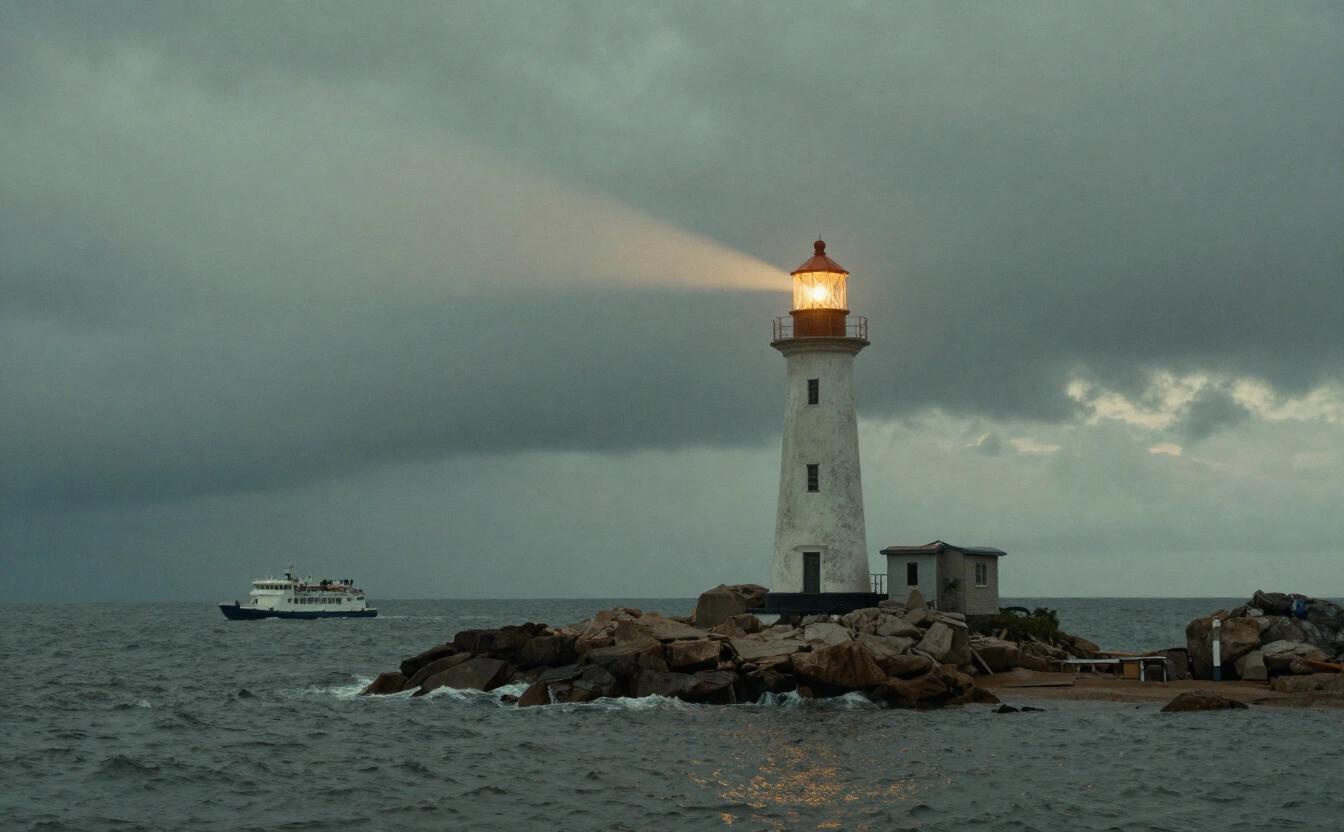
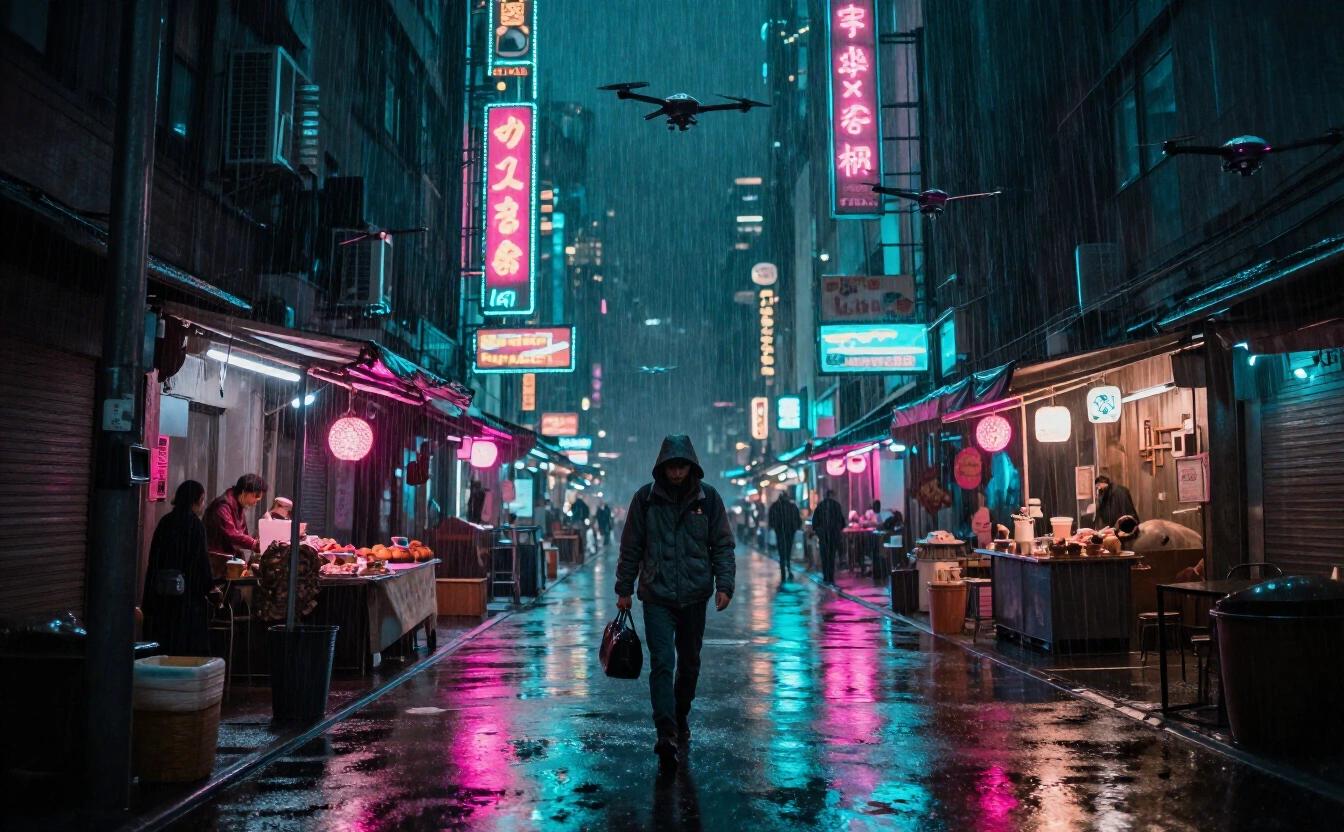
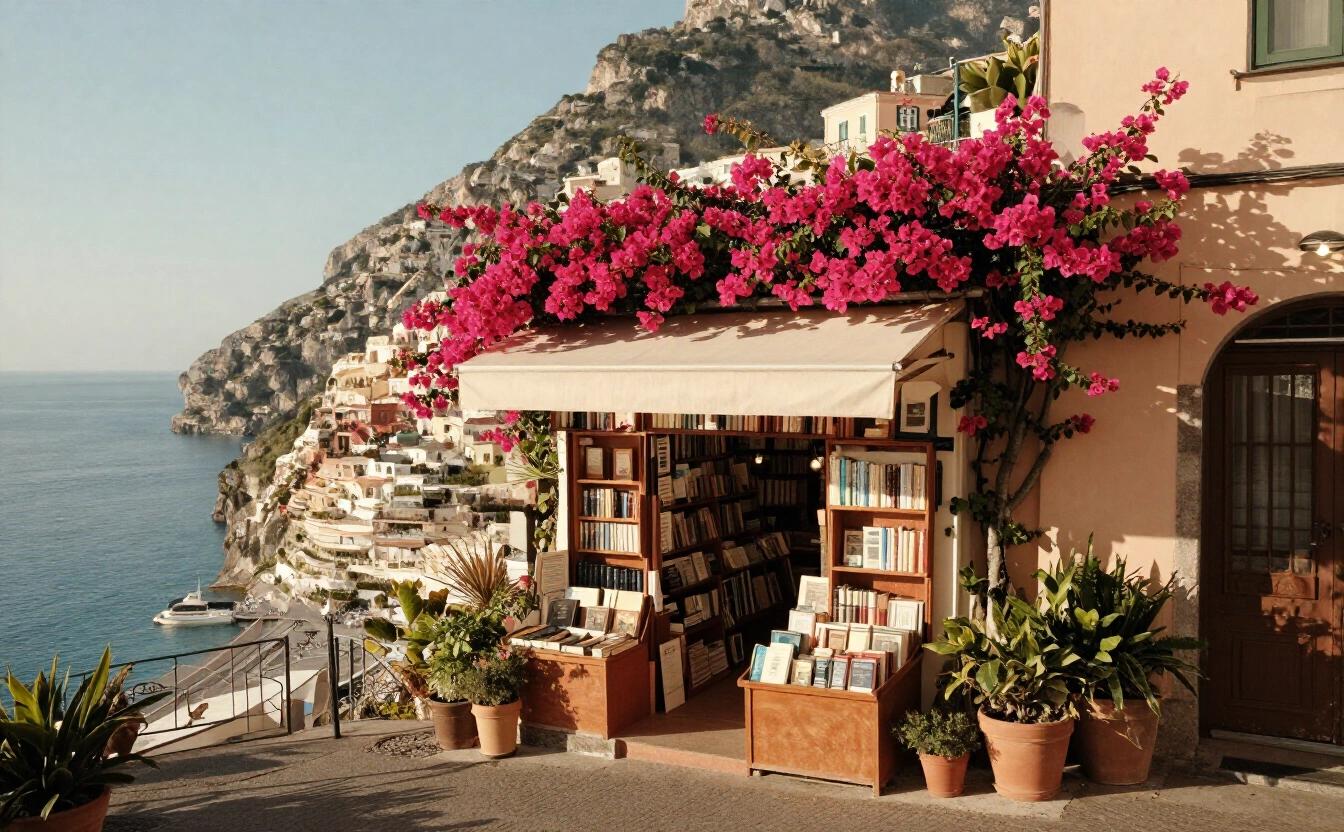
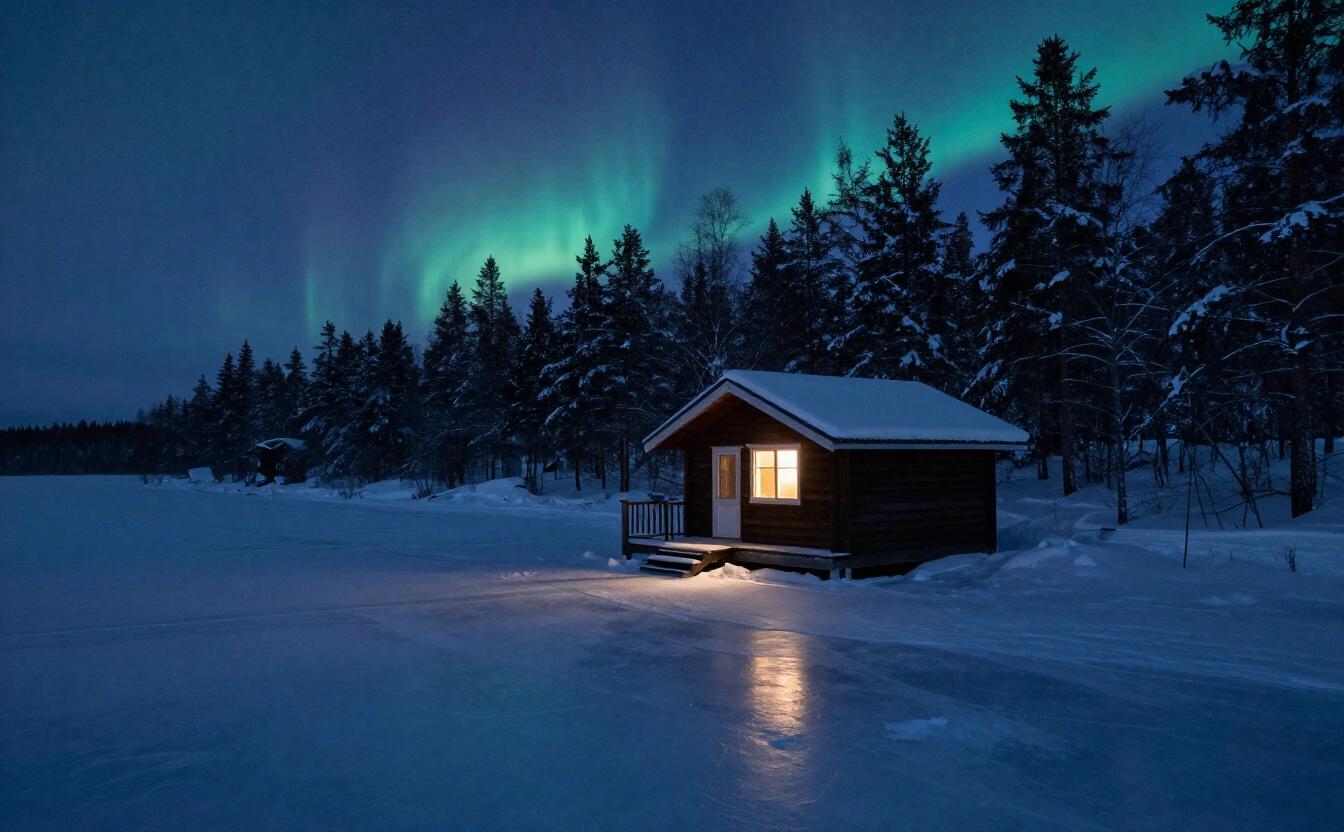
At a glance
| Maker | Alibaba |
|---|---|
| Strengths in the app | Text in images, Fine detail |
| Arena Elo (Artificial Analysis) | 1,095 |
| Typical wait | about 56 s |
| Who can use it | Paid plans |
| How it’s paid | Credits, from the first use |
| Privacy | Private: an open model run by NeverNo on providers chosen because they don’t keep requests. Your history stays encrypted in your browser. |
Price
What the app charges, read from the same table the servers bill with. 1 credit = $0.01.
| Image | 10 credits ($0.10) |
|---|
What it is
Qwen Image 3.0 Pro is the top of Alibaba's Qwen image line in NeverNo's Studio. It is tagged text and detail, a pairing that suits pictures where words and many small elements must both hold up: packaging, infographics, posters, annotated scenes. It is part of the paid plans and is paid in credits, per image. Check the lettering carefully in the finished picture: if one word is off, edit only that word in the description and render again, rather than rewriting the entire scene. Its tags, text and detail, make it a natural candidate for diagrams, labeled illustrations and packaging, where both a crowded layout and clean lettering must succeed at once.
On the Artificial Analysis text-to-image arena, read on November 8, 2026, it has an Elo of 1095. That is clearly above its quick sibling Qwen Image 2.1 Turbo (1027) and above FLUX 3 Klein (1043), but below FLUX 3 (1117) and well under GPT Image 2.6 (1259). The price of the quality is time: a typical 1-megapixel image takes about 56 seconds, measured on Runware, our image provider. That is the longest wait in the Studio's catalog, more than twice FLUX 3 and about seven times Qwen Image 2.1 Turbo.
Because of that wait, it is not a model for trial and error. Settle the wording and layout with a quick model first, then send the finished description here. The Studio's Auto mode treats slow models the same way and keeps them for requests set to Max quality, within the credits you agreed to spend.
On privacy: Qwen models are moderated by their maker's rules, and requests pass through that filter. We do not describe them as anonymized or private. The Studio can fall back to an included image model for a request the maker declines. Finished images are stored in your browser, not on our servers. One more consideration is rhythm. A minute per picture changes how you plan: write the full description in a text editor, check every quoted word for spelling, decide the aspect ratio before pressing the button, and use the waiting time for something else, such as lining up the next scene. People who work this way finish with fewer wasted renders, and a slow model then feels like a careful craftsman rather than an obstacle.
Strengths
Tagged for text and detail, a good match for posters, labels, infographics and scenes with many small elements.
An arena Elo of 1095 (Artificial Analysis, read November 8, 2026), above FLUX 3 Klein (1043) and Qwen Image 2.1 Turbo (1027).
A strong option when you want a second reading of a text-heavy prompt from a different lab than OpenAI or Black Forest Labs.
Supports the whole Studio: up to 1,500 characters, fifteen style presets, eight aspect ratios and up to four variants.
Limits
About 56 seconds for a typical 1-megapixel image (measured on Runware), the longest wait in the catalog.
Paid in credits and reserved for paid plans; each variant is billed separately.
Moderated by its maker's rules: some requests are declined, and Qwen models are not anonymized access.
Its Elo of 1095 is under FLUX 3 (1117) and GPT Image 2.6 (1259), which are also faster.
When to choose it
Infographics and annotated scenes
A cutaway of a house with labeled rooms, a recipe card with ingredients, a map with place names. The detail and text tags make it a reasonable choice when every label and every small object has to be right. Write the labels out in quotes and keep each to a word or two.
Packaging and print mock-ups
Product boxes, bottle labels, book covers and flyers for a small shop or a side project. Judge the layout and wording on a picture that looks finished before you brief a designer or a printer.
The patient final render
When a description is settled and you can afford to wait, run it here once rather than five times. Pair it with Qwen Image 2.1 Turbo for the drafts, which comes back in about eight seconds.
Prompt tips
Treat the prompt as a short brief: subject, setting, layout, every piece of text in quotes. A slow model is worth feeding a complete description, since each retry costs a minute.
Test the wording first on Qwen Image 2.1 Turbo or an included model. Move to this one only when the composition is right.
Ask for one variant at a time. With a wait of nearly a minute and per-image billing, a single carefully written request beats a batch of four loose ones.
Frequently asked questions
Is Qwen Image 3.0 Pro free on NeverNo?
No. It is paid in credits, on paid plans. FLUX 3 Klein and Z-Image Turbo are the image models included in every plan.
Why does Qwen Image 3.0 Pro take so long?
A typical 1-megapixel image takes about 56 seconds, measured on Runware, our image provider. It is the slowest model in the catalog, which is the price of its detail.
Is Qwen Image 3.0 Pro anonymized or private?
Neither. It is moderated by Alibaba's rules for Qwen models. Your images are still stored in your browser, not on our servers.
Qwen Image 3.0 Pro or FLUX 3?
FLUX 3 has the higher Elo (1117 versus 1095, Artificial Analysis, read November 8, 2026) and takes about 20 seconds instead of 56. Qwen Image 3.0 Pro is tagged for text as well as detail.
Qwen Image 3.0 Pro or GPT Image 2.6?
GPT Image 2.6 has the highest Elo in the catalog (1259), takes about 20 seconds and is anonymized access. Qwen Image 3.0 Pro is the alternative from another lab.