Z-Image Turbo
A fast open image model included in every NeverNo plan, even Free: a picture in about three seconds, served without a lab's API in between.
Updated November 8, 2026
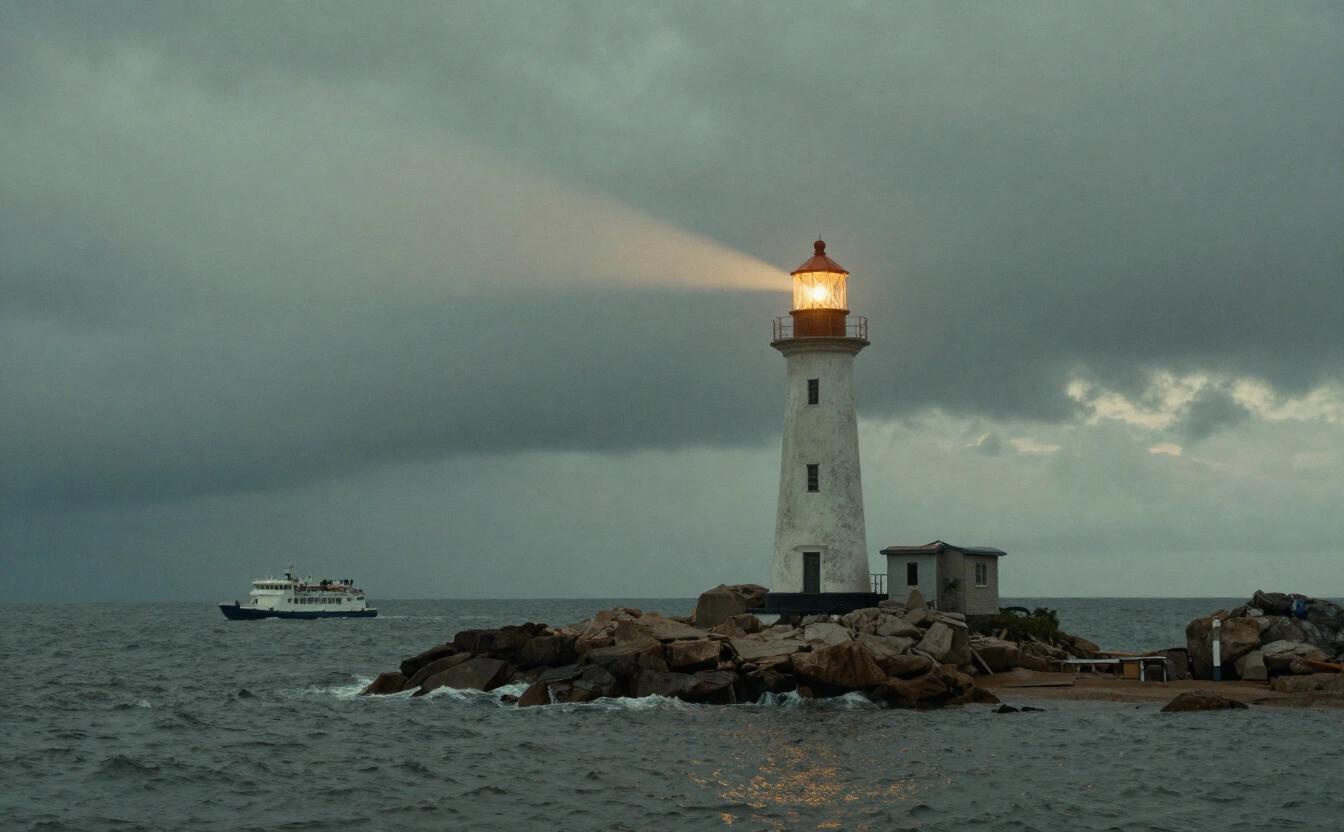
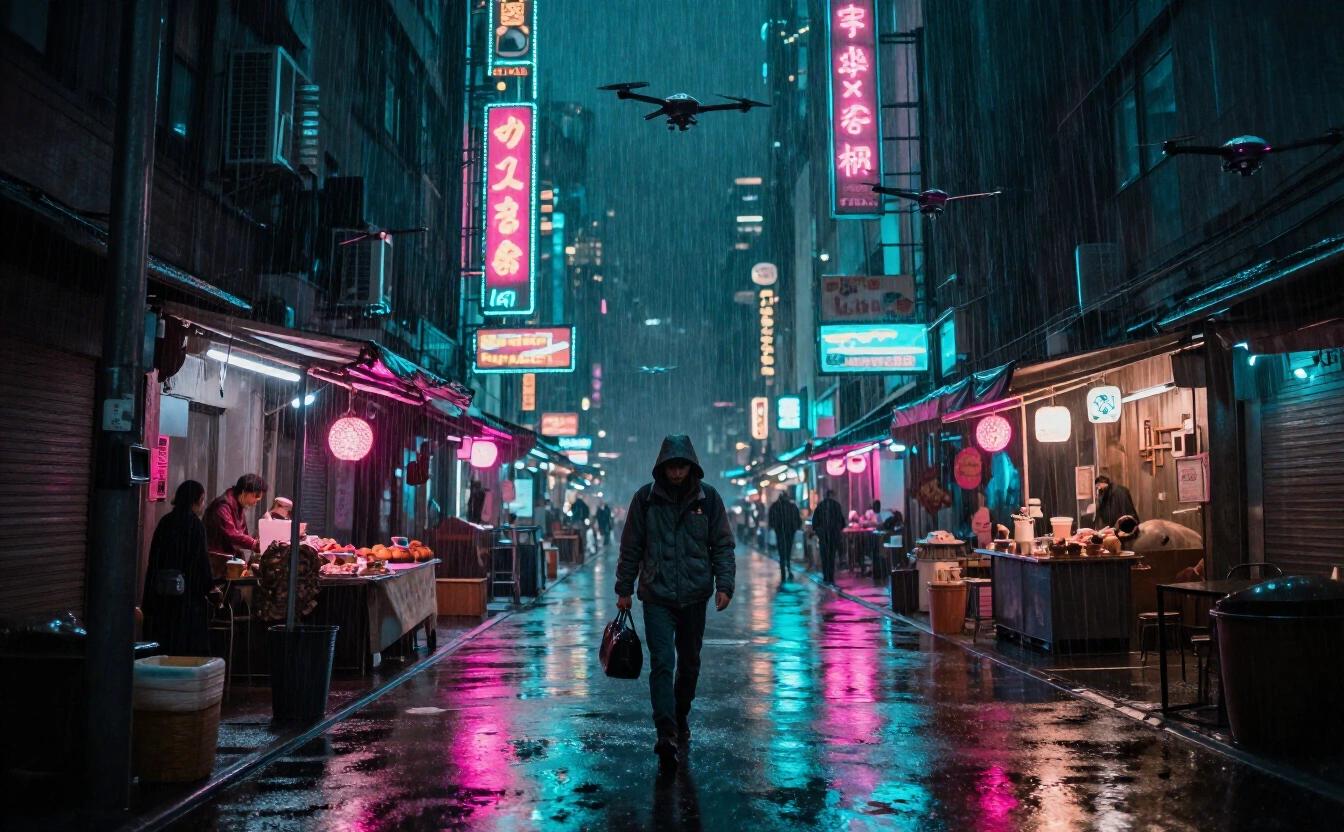
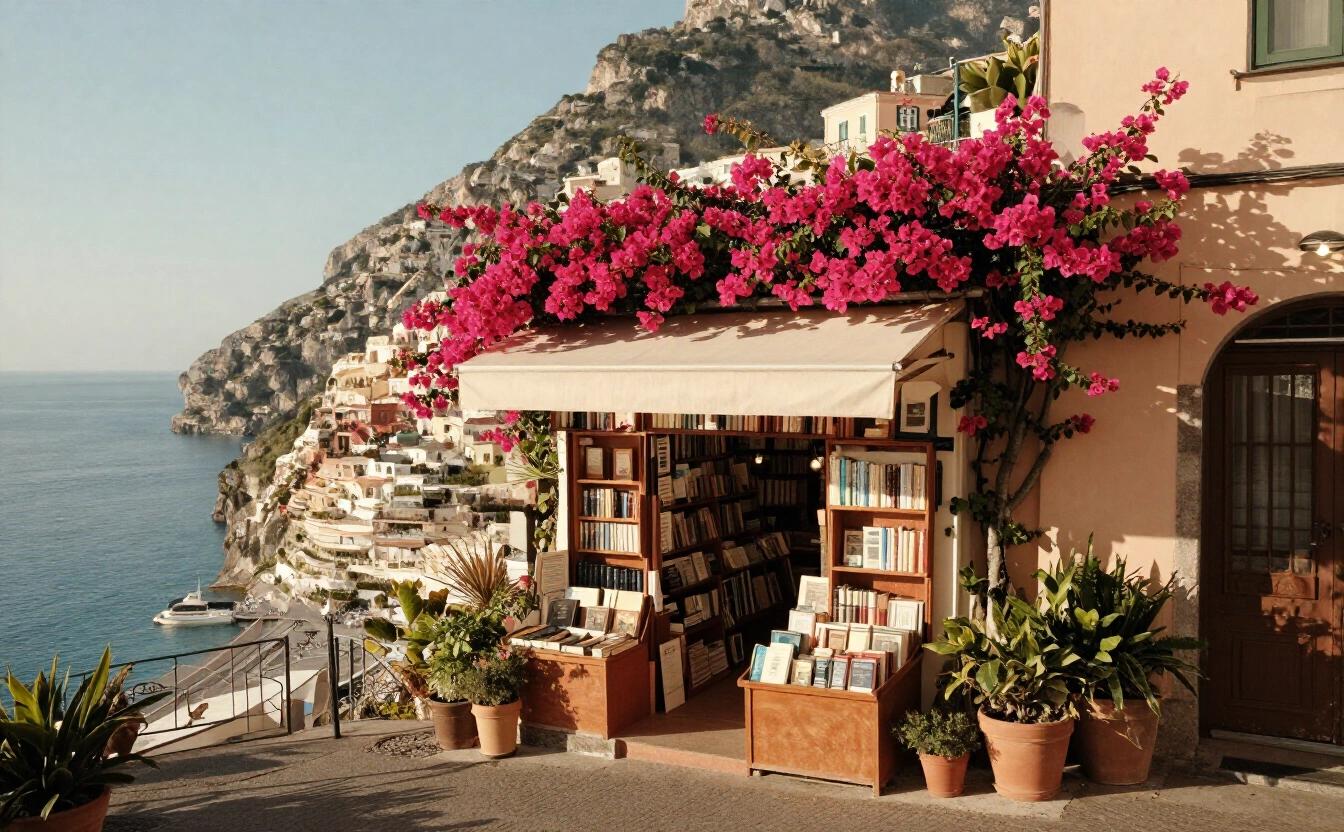
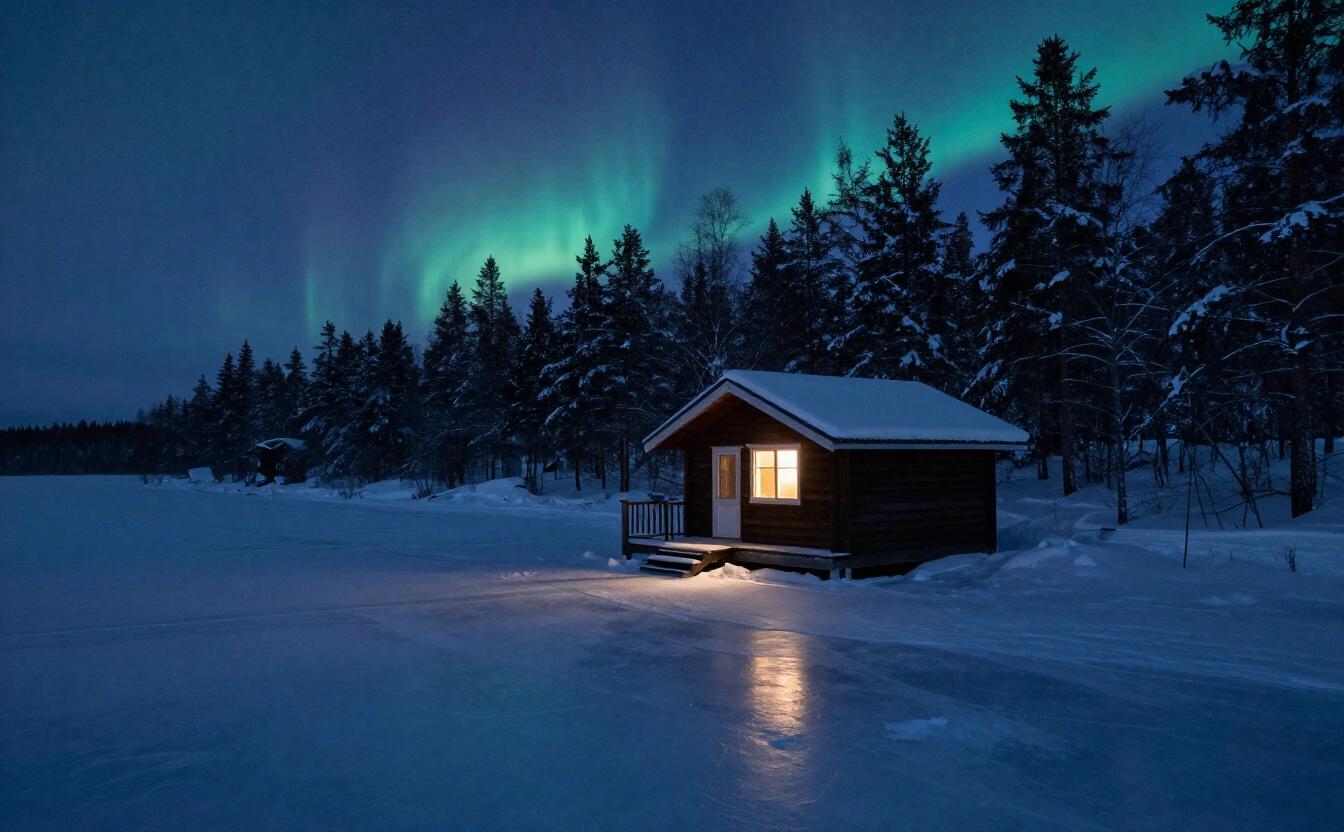
At a glance
| Maker | Tongyi |
|---|---|
| Strengths in the app | Fast, Photorealism |
| Arena Elo (Artificial Analysis) | 936 |
| Typical wait | about 3 s |
| Who can use it | Everyone, Free plan included |
| How it’s paid | Included in the plan’s daily allowance, then credits |
| Privacy | Private: an open model run by NeverNo on providers chosen because they don’t keep requests. Your history stays encrypted in your browser. |
Price
What the app charges, read from the same table the servers bill with. 1 credit = $0.01.
| Image | 0.6 credits ($0.006) |
|---|
Included in the plan’s daily allowance first; these prices apply beyond it.
What it is
Z-Image Turbo is an open text-to-image model from Tongyi, and one of the two image models included in every NeverNo plan, including the Free plan. It is tagged fast and photo in the Studio: a typical 1-megapixel image takes about 3 seconds, as measured on Runware, our image provider. That speed changes how you work. Instead of polishing one prompt and waiting, you can fire off a variation, look, adjust a word and try again within the same minute.
Where it differs from its included neighbor, FLUX 3 Klein, is in who stands between you and the picture. FLUX 3 Klein goes through its maker's own API, which applies its maker's filter and is shown as anonymized. Z-Image Turbo is an open model that NeverNo serves through its own image provider, with no outside lab's moderation layer; NeverNo's own hard limits still apply to every request. The images you create are kept in your browser, not in a gallery on our servers.
Quality is solid rather than spectacular. On the Artificial Analysis text-to-image arena, read on November 8, 2026, Z-Image Turbo has an Elo of 936, versus 1043 for FLUX 3 Klein and 950 for Z-Image, its slower sibling for paid plans. If you leave the Studio on Auto, it ranks models by that Elo, so for an included image it will usually reach for FLUX 3 Klein. Pick Z-Image Turbo by hand when speed, or keeping your prompts away from a lab's servers, matters more to you than the last bit of polish.
Everything else in the Studio works with it as usual: a description of up to 1,500 characters, fifteen style presets ranging from oil painting and pixel art to film noir and neon cyberpunk, eight aspect ratios and up to four variants per request. Because each picture arrives so quickly, asking for four at once is the quickest way to see how differently the same sentence can be read.
Strengths
Included in the Free plan, on the daily image quota, with no credits to spend.
About 3 seconds for a typical 1-megapixel image (measured on Runware), the shortest wait in the Studio's catalog.
Private by design: an open model served by NeverNo's image provider, so your prompts never reach a third-party lab's API.
Tagged for photographic looks, which makes it a sensible base for portraits, products, places and everyday scenes.
Limits
Its arena Elo of 936 (Artificial Analysis, read November 8, 2026) is below FLUX 3 Klein's 1043 and well below the premium models; it shows in fine detail and complex compositions.
Not tagged for lettering: for a poster, a sign or a logo with legible words, FLUX 3 Klein or Qwen Image 2.1 Turbo are better suited.
The daily image quota of your plan caps how many you can make; heavy series are easier on a paid plan.
When to choose it
Rapid visual brainstorming
Exploring a mood for a room, a book cover or a game level: generate up to four variants at once, keep the direction you like, and refine the wording in quick rounds. Interior designers, tabletop game masters and indie authors can sketch a dozen moods before lunch, then share the strongest with a client, a group or an illustrator.
Placeholder and draft visuals
Mock-ups, slide backgrounds, blog illustrations or social posts that need a picture now rather than a perfect one. Choose among eight aspect ratios, from square to 21:9 banner, to fit the slot: vertical 9:16 for stories, wide 16:9 for video thumbnails, 3:2 for classic print.
Testing a prompt before paying for it
Rough out composition and framing with Z-Image Turbo at no credit cost, then send the finished prompt to a premium model such as FLUX 3 or GPT Image 2.6 for the final render. You spend credits only once the idea has proven itself, which keeps experiments guilt-free.
Prompt tips
Lead with the subject and the framing ("close-up portrait", "wide shot of a harbor at dawn"), then add light, lens and mood. Fast models follow the first words most faithfully.
Use the Studio's style presets, such as photo, cinematic or watercolor, instead of long lists of adjectives; each adds a short, tested description to your prompt.
Iterate by changing one thing per round. With roughly three seconds per image, small controlled edits teach you more than one long rewritten prompt. Note which word moved the result, and reuse it later.
Frequently asked questions
Is Z-Image Turbo free on NeverNo?
Yes. It is included in every plan, the Free plan too, and runs on the daily image quota instead of credits.
How fast is Z-Image Turbo?
A typical 1-megapixel image takes about 3 seconds, measured on Runware, our image provider.
Is Z-Image Turbo private?
It is an open model that NeverNo serves through its own image provider, rather than a lab's API, and your images are stored in your browser, not on our servers. NeverNo's own hard limits still apply.
Z-Image Turbo or FLUX 3 Klein?
Both are included. FLUX 3 Klein scores higher on the Artificial Analysis arena (1043 versus 936, read November 8, 2026) and handles lettering, but it goes through its maker's API and is labeled anonymized. Z-Image Turbo is a touch quicker and stays with NeverNo's own provider.
What sizes can Z-Image Turbo produce on NeverNo?
About one megapixel, in eight aspect ratios: 1:1, 4:3, 3:4, 3:2, 2:3, 16:9, 9:16 and 21:9.